v1.0
Runs entirely in your browser · your plans and images never leave your machine
What you export is yours · commercial use included
About this tool
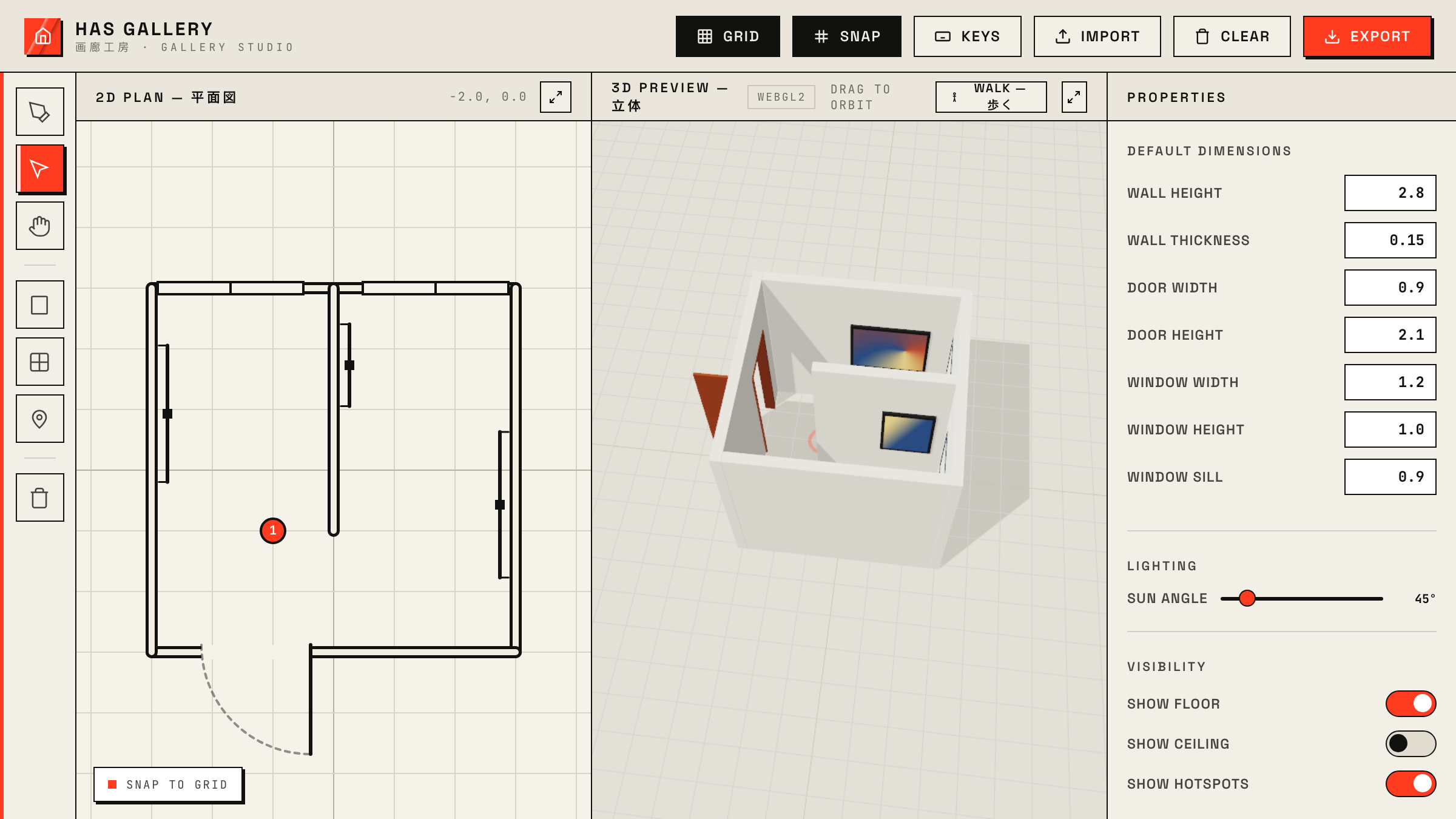
Planning an exhibition, a portfolio room, or a virtual gallery usually means either graph paper or a full 3D package. HAS Gallery sits in between: sketch walls in a 2D plan and the 3D preview builds itself as you draw, with doors, windows, sun angle, and real wall heights.
Artwork is the point, so hanging it is one gesture: drop an image file near a wall and it hangs there at real-world scale, on the side you dropped it. Then switch to walk mode and move through the space at eye level, or export the whole gallery as GLB or glTF for C4D, Blender, Unreal, or the web.
How to use it
- Draw walls with W: click and drag in the 2D plan; snap keeps corners tight.
- Add doors with D and windows with G by clicking a wall.
- Drag an image file onto the plan near a wall to hang it; select it to resize or flip sides.
- Drop a walk hotspot with T, then use walk mode to move through the gallery.
- Export PNG, JSON, glTF, or GLB from the Export menu; import JSON to keep working later.