Beta v0.4
Runs entirely in your browser · your designs never leave your machine
What you export is yours · commercial use included
About this tool
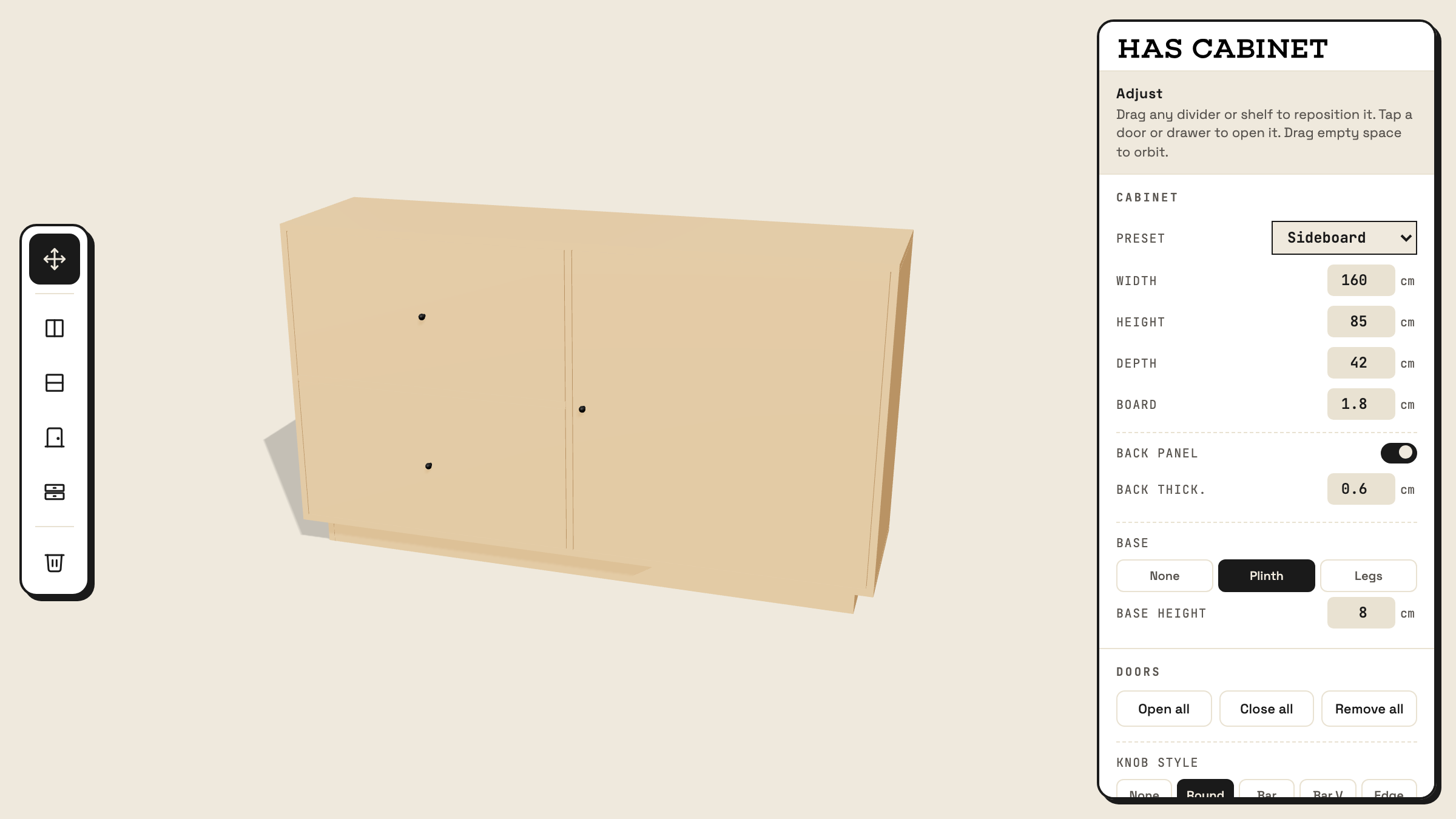
Designing a cabinet usually means choosing between a modelling app that knows nothing about millimetres and a CAD app that fights you on the fun part. HAS Cabinet sits in between: click to split a compartment into shelves or dividers, add doors and drawers, and everything stays parametric and to real-world scale.
When the design is right, it exports three ways: a cut list of every board with dimensions, plus GLB and OBJ for dropping into any 3D scene. Nothing uploads; it all runs on your machine.
How to use it
- Start from a preset (bookshelf, credenza, wardrobe, media unit) or set width, height, and depth by hand.
- Click a compartment to split it into shelves or vertical dividers; drag the boards to reposition.
- Add doors and drawers, pick a knob style, and choose a base: plinth or legs.
- Open the Cut list for every board's dimensions, or hit E for an exploded view.
- Export a GLB or OBJ for 3D, and save or reopen designs as project files.